

When the party's over, the bill won't split itself… or will it?
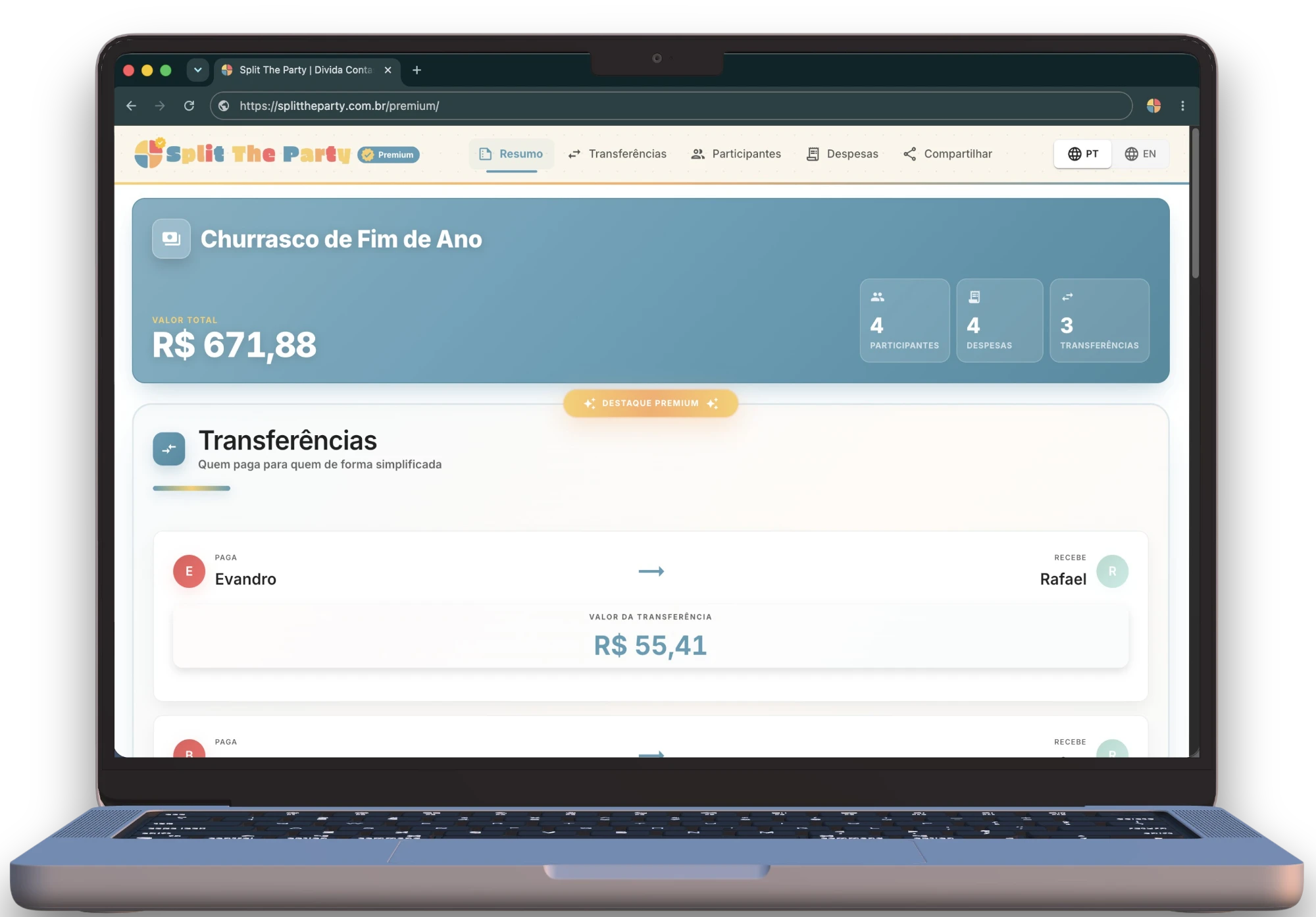
Split group expenses and see who pays who
You log the expenses — who paid for what and who's in on each item. Split The Party nails the cents and settles up in the fewest transfers possible.
Do this math in your head:
Saturday barbecue, 9 people. Everyone bought something different, and not everyone's in on every item's split. So who actually pays whom in the end?
Saturday barbecue · 9 people
Meat $287.40
John paid - Everyone ate, so all 9 participants split it
Drinks $196.00
Anna paid - Not everyone drinks, so only the 6 who drink split it
↳ don't drink? skip this one
Charcoal + ice $52.90
Bea paid - All 9 participants split it
Dessert $73.89
Dana paid - Gus and Ray don't eat dessert, so only the 7 who do split it
Grocery-run ride $32.75
John paid - Only the 5 who went shopping split it
bill total →
$642.94
So: who owes what to whom?
Done! Bill settled in seconds!
Bea
John
$34.68
Pete
John
$48.37
Mary
John
$54.92
Gus
John
$70.48
Ray
John
$24.12
Ray
Anna
$46.36
Leo
Anna
$62.06
Leo
Dana
$18.97
ALL SETTLED ✓
Calculated rapidly, to the exact cent, in the fewest transfers possible!
How to Use it
Simple and straightforward. Split the expenses and settle everything in just three steps.
1
Create the participant list
Add all the people who participated in the event.
Nº 0001 · 21·07·2021
2
Record the expenses
Enter the amounts spent and who paid for each item
Nº 0002 · 14·09·2023
3
View the summary and share
Check how much each person should pay and share the result with the group.
Nº 0003 · 02·12·2025
Open it, split it, share it!
The rule is clear: made to be simple when it's time to settle the complicated bill.
Any device
Phone, laptop or tablet — it works on anything with a browser.
No download
Nothing to install or take up space. It opens instantly, right in your browser.
No sign-up
No login, email or password required. Just open it and go.
No subscription, no ads
No recurring subscription and no ads getting in the way of your experience.
From BBQs to long road trips
Perfect for splitting your group's expenses at any kind of event.
Frequently Asked Questions
Get your questions answered about how to use Split the Party to split expenses with your group.
You can create events, add expenses, and see the overall balance (how much each person spent) completely for free. If you want the complete solution — with the exact list of who owes whom and an exclusive link to share with your group — we charge a fee of $ 2,49 per event.
No. There's no need to create an account, enter an email address, or log in. Just open the site, use it, and you're done.
No. To ensure transparency and security for all group participants, the event data is locked and cannot be changed after payment confirmation. This ensures that the final split result is reliable and cannot be manipulated after the link is generated.
Yes. In the free version, your information is only saved in your browser and is deleted when you close the window. If you choose to unlock an event to see who owes whom and get a premium shareable link, the data is securely stored on our servers for the sole purpose of allowing your friends to access the generated link.
The system calculates how much each person spent and how much they should have paid based on the expenses they participated in. From there, transfers are optimized so that the smallest possible number of payments is needed to settle all balances. For example: if A owes $50 to B and $50 to C, but B owes $50 to C, then A can pay $50 directly to C and B doesn't need to make any transfer. This reduces the total number of payments.
Follow us on Instagram
@splitthepartyoficial